PayPal
Short answer: Click Redeem → Choose PayPal → Select Amount → Receive payment to your email.
How to Redeem PayPal
- Click Redeem
- Choose PayPal
- Choose your Amount and click Claim Reward
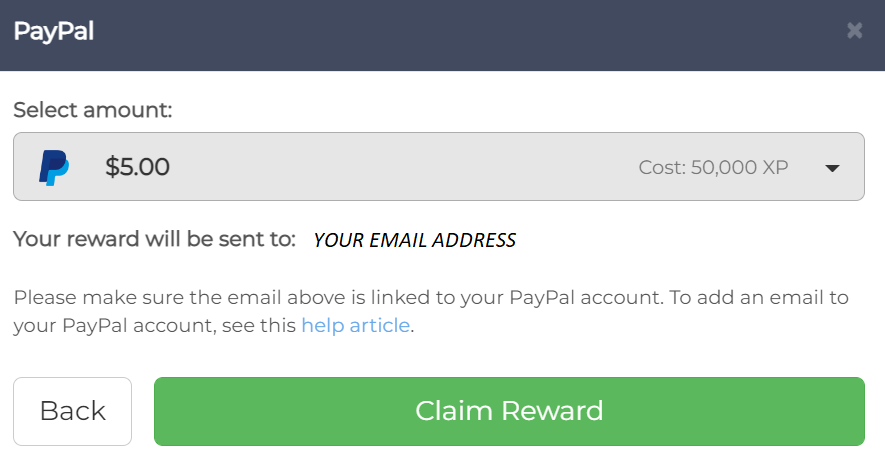
- Your reward will be sent to the email address tied to your Reward XP account, directly from PayPal in your local currency.
Note: Make sure the email on your Reward XP account is linked to your PayPal account. To add an email to your PayPal account, see this PayPal help article.
Related Articles
- Payment Schedule - When PayPal rewards are processed
- Can I Cancel a Payment Request? - Cancellation policy
- Change Your Account Email - Email management
- How Much is XP Worth? - XP to USD conversion